
Stolen signs
The opposing dugout has a phone, a coach, and time. Hand signals are leakier than they've ever been.
Eliminated · BLE pairTap a pitch on your iPhone. The catcher feels a buzz on the Apple Watch they already own. No wires, no delays, no stolen signs.
Old-school flashes get stolen. PitchCom-style hardware costs four figures a season. Yelling pitch numbers from the bench gets old by April.
The opposing dugout has a phone, a coach, and time. Hand signals are leakier than they've ever been.
Eliminated · BLE pairDedicated comms systems are $700–$1,400 a year for a single team. Most travel programs can't justify that.
Replaced · $1.99 on iOSForgotten wristbands, dead AAA batteries, reverse-coding mid-inning. One more thing to manage on a bus day.
Solved · Pair once, readyThe whole call-to-display loop runs over Bluetooth Low Energy, directly between the iPhone in your hand and the Apple Watch on the catcher.
Pick pitch type and zone on your iPhone — five-tap path from idle to sent.
Bluetooth Low Energy delivers the call directly to the watch — offline, no cellular, no router.
Pitch, zone, and sign number on the wrist with a haptic buzz. Glance, set, deliver.
Most programs start with the catcher's own Apple Watch and never need anything else. A dedicated long-range receiver is in development for programs that want to get the call to more than one player on the field — the pitcher and fielders, not just the catcher.
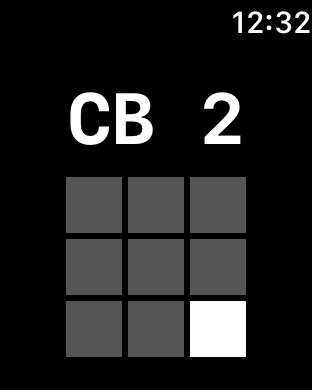
The watch your catcher already owns. Nothing to ship, nothing to charge separately.
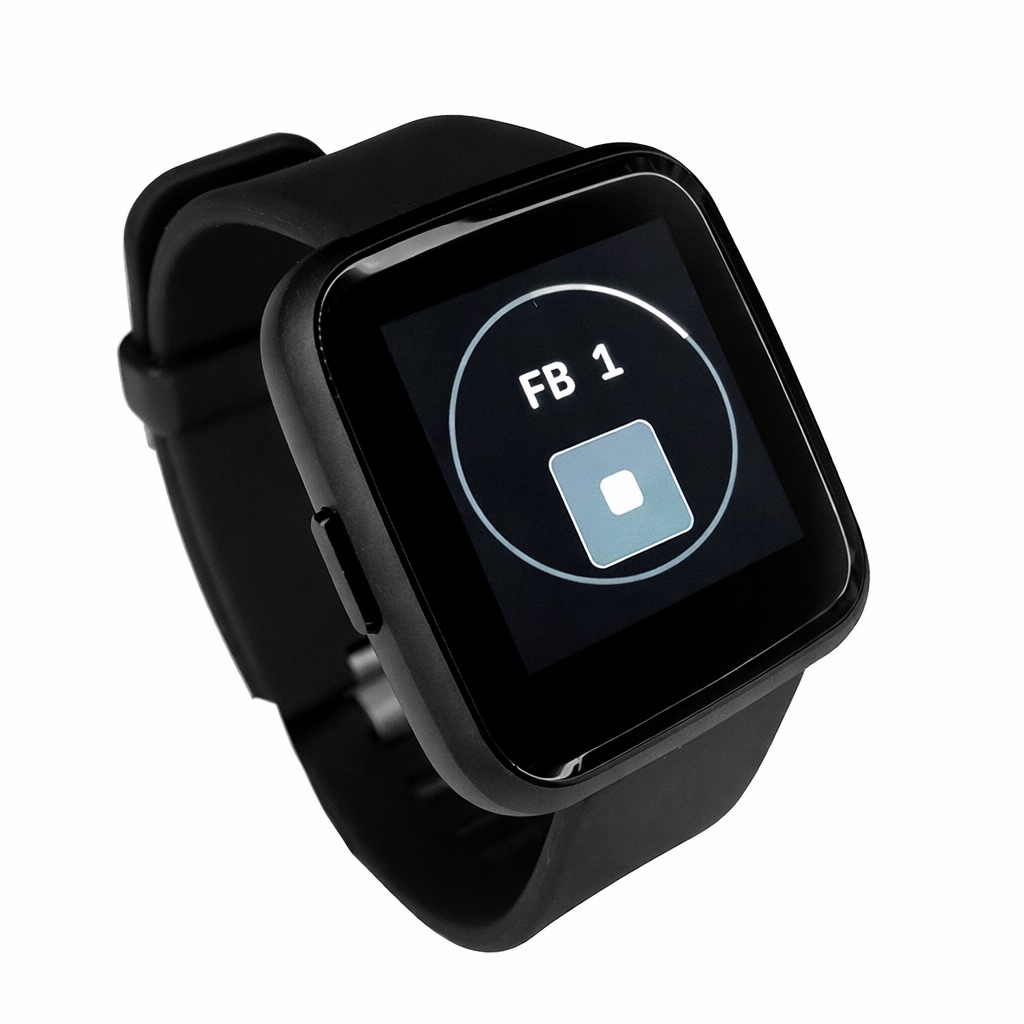
In active R&D — a purpose-built, long-range receiver that puts the call on more than one player — pitcher and fielders, not just the catcher — on a no-distraction display. No phone needed on the field.
We're recruiting a small group of coaches to beta-test the receiver as it comes out of R&D. Beta testers get discounted hardware and a direct line to the development team.
Signal Call sits between stealable hand signs and four-figure audio systems — the speed and privacy of dedicated hardware, on a watch your catcher already owns.
| Signal Call | PitchCom | Hand signs | |
|---|---|---|---|
| First-year cost | $1.99 app · $0 hardware | $700–$1,400 per team | $0 |
| Recurring cost | $0 — pay once | Hundreds per season | $0 |
| On-field gear | Apple Watch you own | Earpiece + transmitter | None |
| Speed to the catcher | <100 ms · buzz + display | Near-instant audio | Slow, multi-step |
| Stolen signs | Nothing to steal | Nothing to steal | Vulnerable to decoding |
| Setup | Open app, wear watch | Charge & pair devices | Memorize a system |
Buy the app one time for $1.99 and it's yours — no subscription for core pitch calling. The optional Pro subscription unlocks advanced analytics, pattern tracking, and AI pitch suggestions for coaches who want the deeper toolkit.
Everything you need to call a game wirelessly. Pay once, no subscription, no expiry.
For coaches who want the deeper toolkit — advanced analytics, patterns, and AI assistance.
Strike trends, zone tendencies, and pitch counts are tracked the moment you tap. Review the whole game from the dugout, not from a spreadsheet.
The whole game becomes reviewable, not just the box score. Coaches who track count, mix, and zone heat make better decisions in the late innings.
The short version. Always check your league's most current rulebook before opening day.
Signal Call started as a side project for a 14U travel program that couldn't justify a four-figure comms system. The first version ran on a coach's iPhone and a catcher's hand-me-down Apple Watch. It worked the first inning. We never went back.
Today it's the same idea, polished — but it's still made for the people who run practice on Tuesday and call a game on Friday.
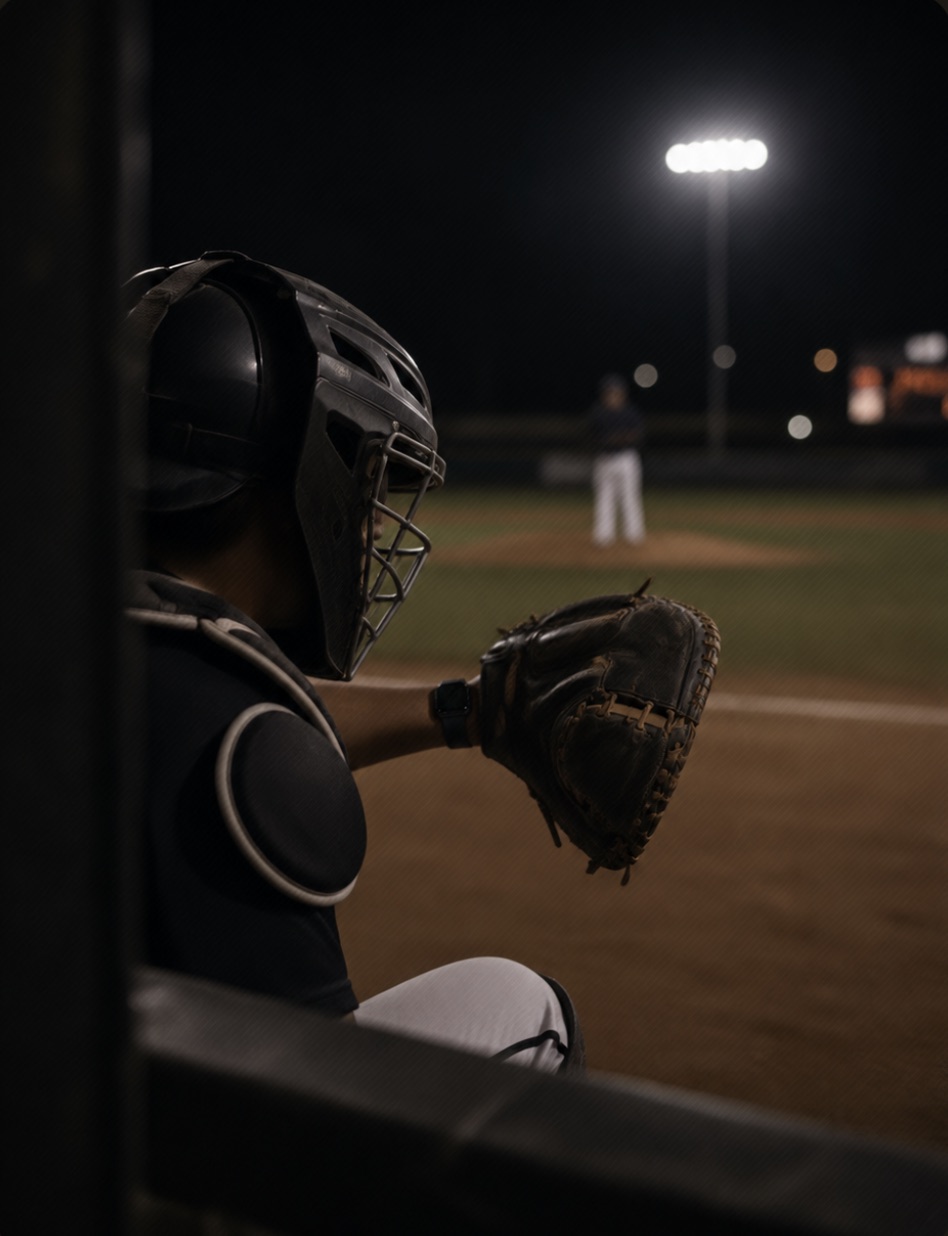
Rules, requirements, and how Signal Call compares.
Rules vary by league. NCAA baseball and softball permit electronic devices for relaying signals from the dugout at all positions. NFHS (high school) generally permits coach-to-catcher signaling, with expanded use decided by each state association. Most travel organizations (USSSA, Perfect Game, Triple Crown, Game Day USA, NCS) allow it. Little League and Babe Ruth restrict on-field player receivers. Always check your specific league's most current rulebook. Full league-by-league breakdown →
No. The coach uses an iPhone in the dugout to call pitches. The catcher just needs an Apple Watch — the signal goes directly from iPhone to Apple Watch over Bluetooth. No phone is required on the field.
PitchCom uses dedicated audio receivers and a wristband transmitter, with annual hardware costs typically running several hundred dollars per team. Signal Call is a one-time $1.99 on iOS — no subscription — and runs on the Apple Watch your catcher likely already owns. A dedicated receiver that reaches more than one player on the field — pitcher and fielders, not just the catcher — is in development.
Yes. Signal Call uses Bluetooth Low Energy directly between the iPhone and the receiver. No cellular signal, Wi-Fi, or internet connection is required. It works in any dugout, indoor facility, or remote field.
The full call-to-display loop completes in under a tenth of a second. The catcher feels a haptic buzz on their wrist and sees the pitch type and zone instantly.
Signal Call is a one-time $1.99 purchase on the App Store — that unlocks unlimited pitch calling to an Apple Watch, yours forever, with no subscription. Signal Call Pro is an optional subscription that adds advanced analytics, pattern tracking, AI pitch suggestions, and CSV export. A dedicated receiver that reaches more than one player on the field is in development.
No. Signal Call is a one-time $1.99 purchase — buy it once and unlimited pitch calling is yours forever, with no recurring fee. Signal Call Pro is a separate, optional subscription for coaches who want advanced analytics, pattern tracking, and AI pitch suggestions — but you never need it to call a full game.
The dedicated receiver is a purpose-built, long-range device that reaches more than one player on the field — pitcher and fielders, not just the catcher — on a no-distraction display — in active R&D now. We're recruiting a small group of coaches to beta-test it: testers get discounted hardware and a direct line to the development team. Email hi@signalcall.app to join.
Signal Call is a one-time $1.99 on the App Store and works with the Apple Watch your catcher already owns. Buy it once, pair once, and start calling pitches.